
Software & Apps
Quick answer — Software & Apps on Windows
Use the software view as an inventory. An app you do not recognize may be a framework needed by another app rather than an unwanted program.
Check before you change: Distinguish normal uninstall, optional Windows features and system packages before applying removal.
Independent context: safe debloat checklist · Winhance vs Settings · how we prepare guides.
Use this section to decide what software actually belongs on the machine. Strip out the built-in Windows apps and components you never open, then pull in the third-party programs you rely on instead.
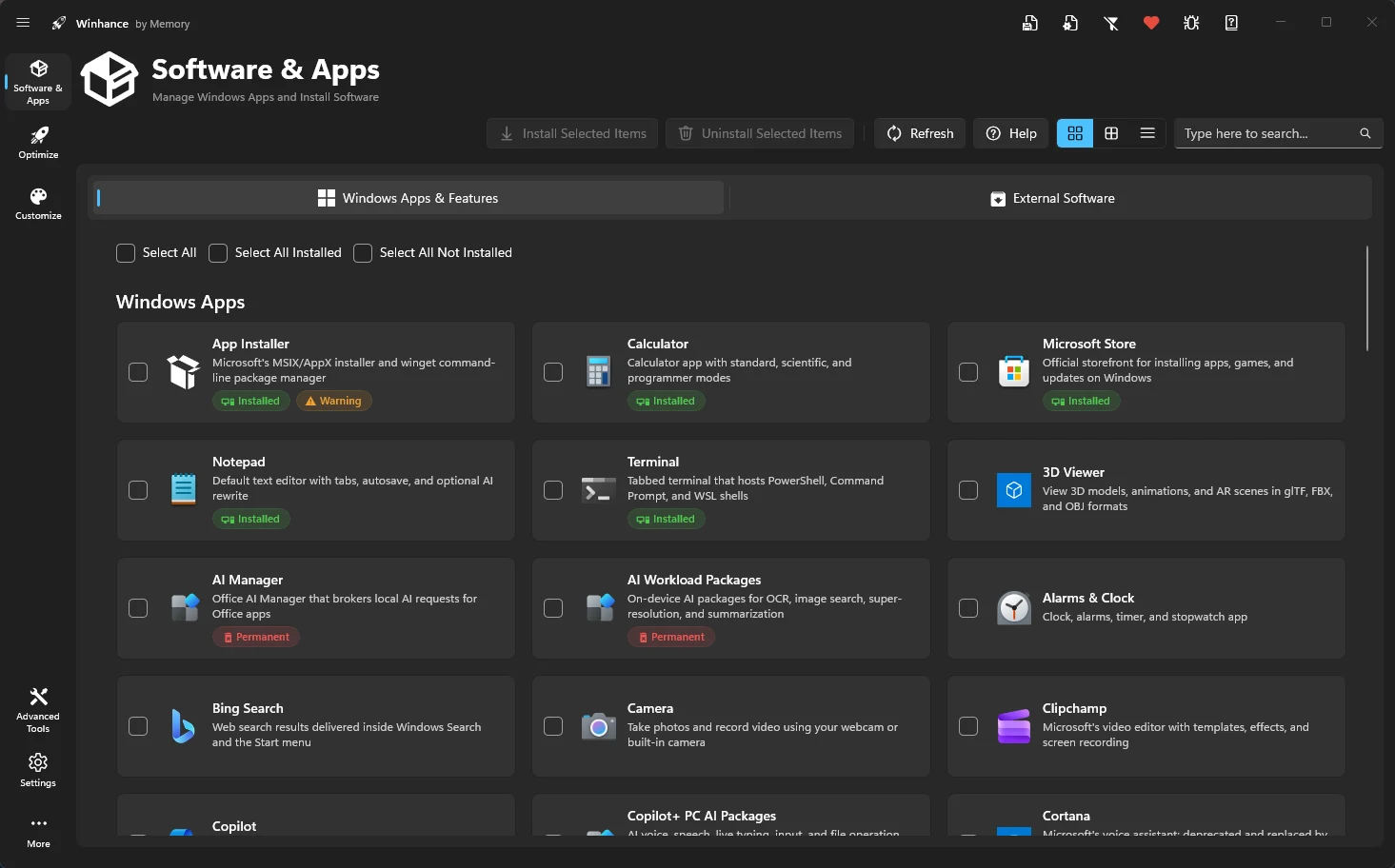
Windows Apps & Features
Remove bloatware, UWP packages, and optional Windows features with persistent removal scripts.
External Software
Install over 100 popular apps silently via WinGet integration.
Key Highlights
- Continuous Removal: Scripts and scheduled tasks ensure removed apps stay gone.
- Silent Installers: No more clicking through installers manually.
- Custom Scripts: View and manage the PowerShell scripts Winhance uses under the hood.