
Optimizations
A good optimization plan is a series of measured decisions, not a set of toggles to disable indiscriminately. Start with a baseline and address one issue at a time.
Check before you change: Create a recovery option, document selected changes and test the apps you use before continuing to the next category.
Independent context: safe debloat checklist · Winhance vs Settings · how we prepare guides.
The Optimize section groups the settings that affect how Windows behaves day to day: responsiveness, data collection, power use and background noise. Everything is sorted by category so you can review a group before applying anything.
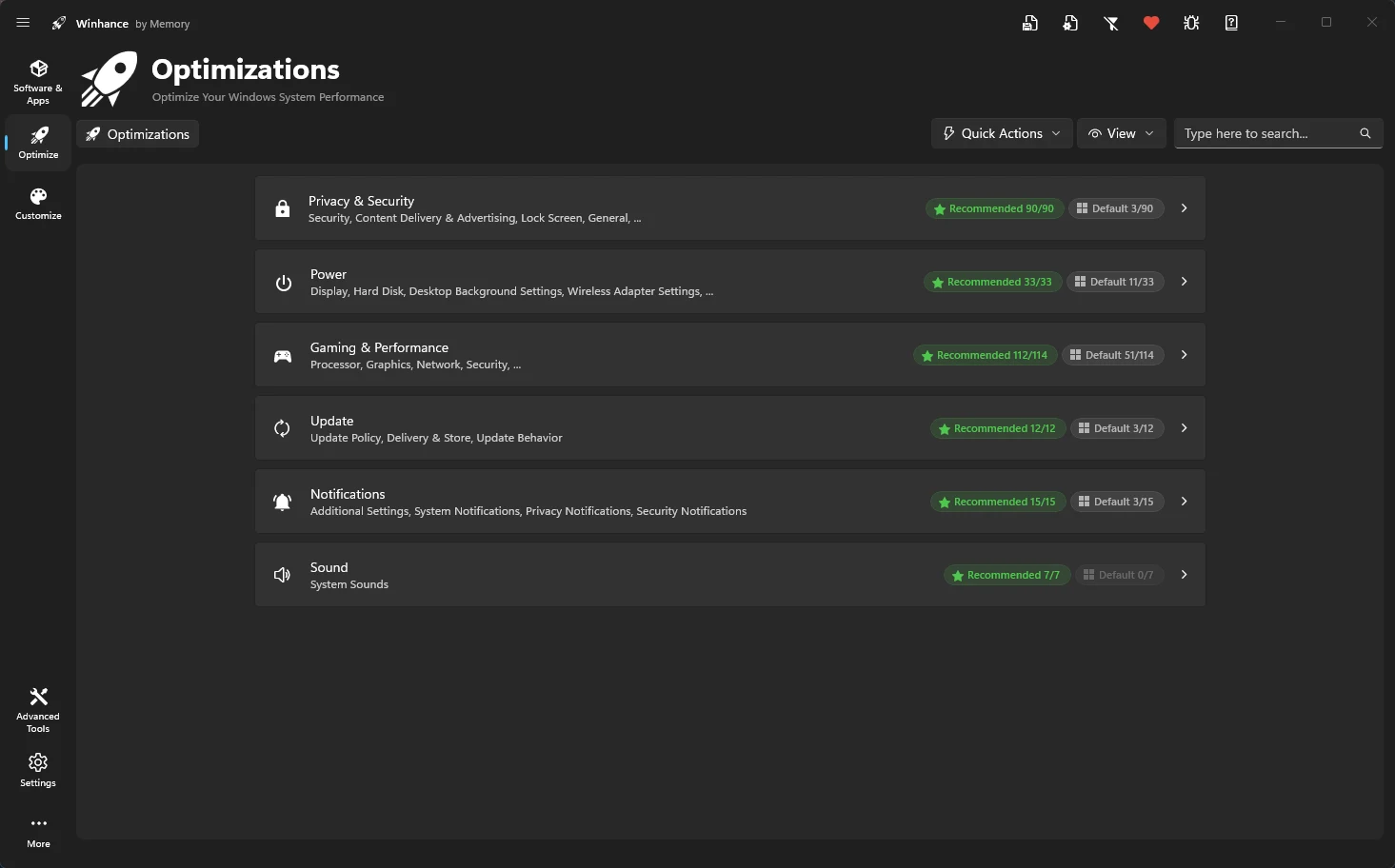
Disable telemetry, tracking, and harden your system security.
Unlock Ultimate Performance and fine-tune processor power settings.
Reduce latency and maximize frame rates with specialized tweaks.
Control update behavior and prevent driver overwrites.
Optimizations applied in Winhance are not persistent. Winhance applies them once at your request but does not continuously monitor or re-apply them if they are changed by Windows later.